Building an AI-powered prototyping tool
- Company
- Waitwhile
- Role
- Designer and builder
- Team
- Just me, with support from backend and frontend developers
- Timeline
- April to October 2026
- Outcome
- Used by designers, PMs and our CEO
TL;DR
Waitwhile designers prototyped in Figma, wiring every interaction by hand. I built an AI prototyping tool that turns an idea into a working Waitwhile prototype. The hard part was making it look like Waitwhile without making it heavy. Four approaches later, the answer was a text map of the app.
From idea to gallery
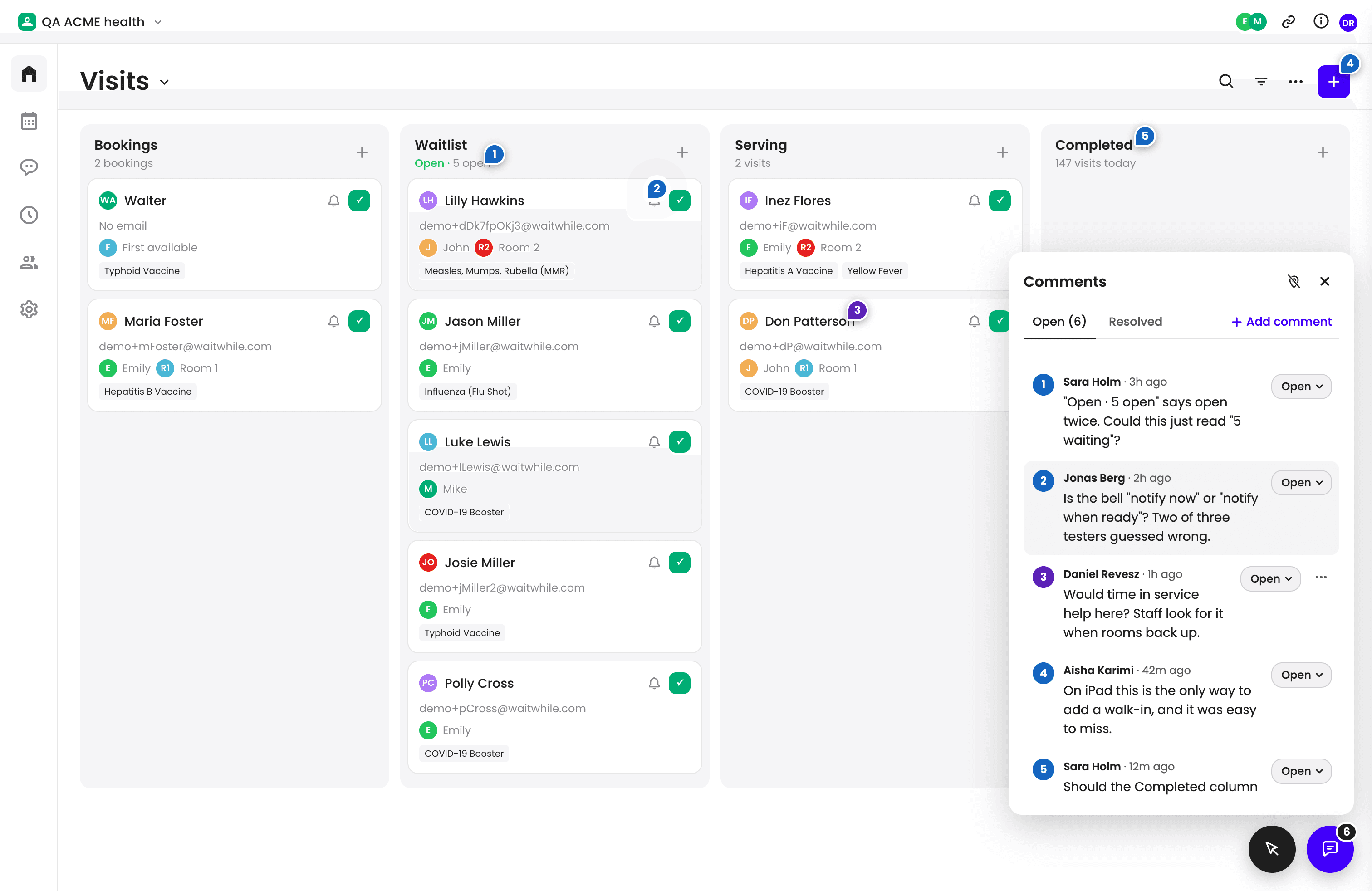
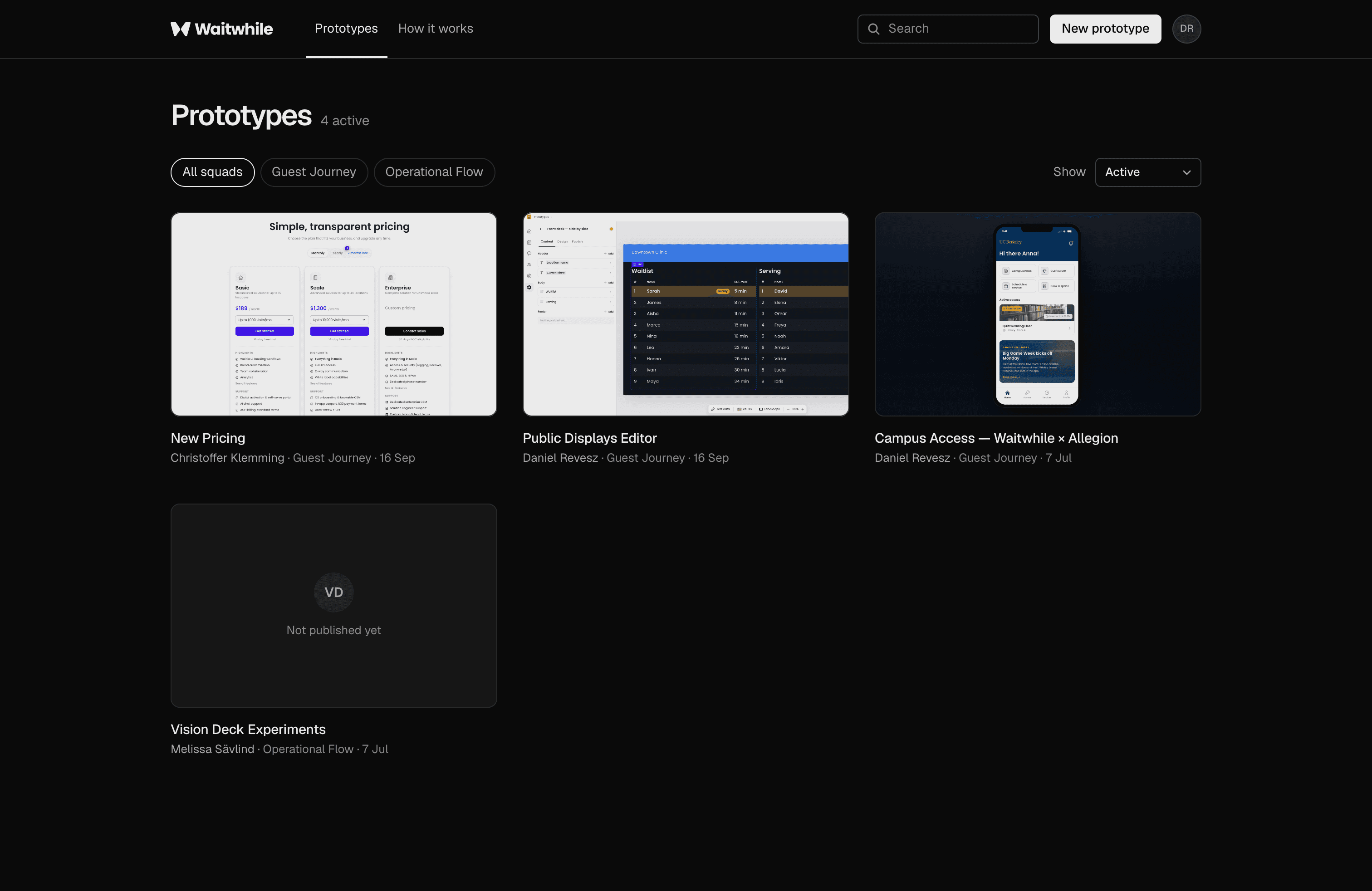
A designer describes an idea in Claude Code or Cursor, and the agent builds directions for design exploration. Each one lands in a gallery as a link. Colleagues pin comments right on the prototype, so design reviews and stakeholder feedback happen in context. The owner decides what happens to each comment.
Making it look like Waitwhile
Built from scratch, the AI invented its own patterns, and prototypes looked like any app. A database emulator behind the real app came next, but keeping a fake backend accurate never ended. So I moved to production code on our dev environment, in several setups. Prototypes were finally high-fidelity.
The tool reports on itself
The tool is built for continuous improvement: when an agent hits friction, it logs it, and a script files an issue. The board holds 43 issues since July, 19 of them fixed. By October the open ones said the same thing: setup was slow, and standalone prototypes still looked generic.
Too heavy for designers
The clearest signal was a usability test: a designer starting fresh on a new laptop needed twenty minutes, about fifty permission prompts and a failed publish. Prototypes took up to 4,000 MB and needed developers for access and hosting. Real code solved the look, but the onboarding cost landed on designers.
A text map instead of the code
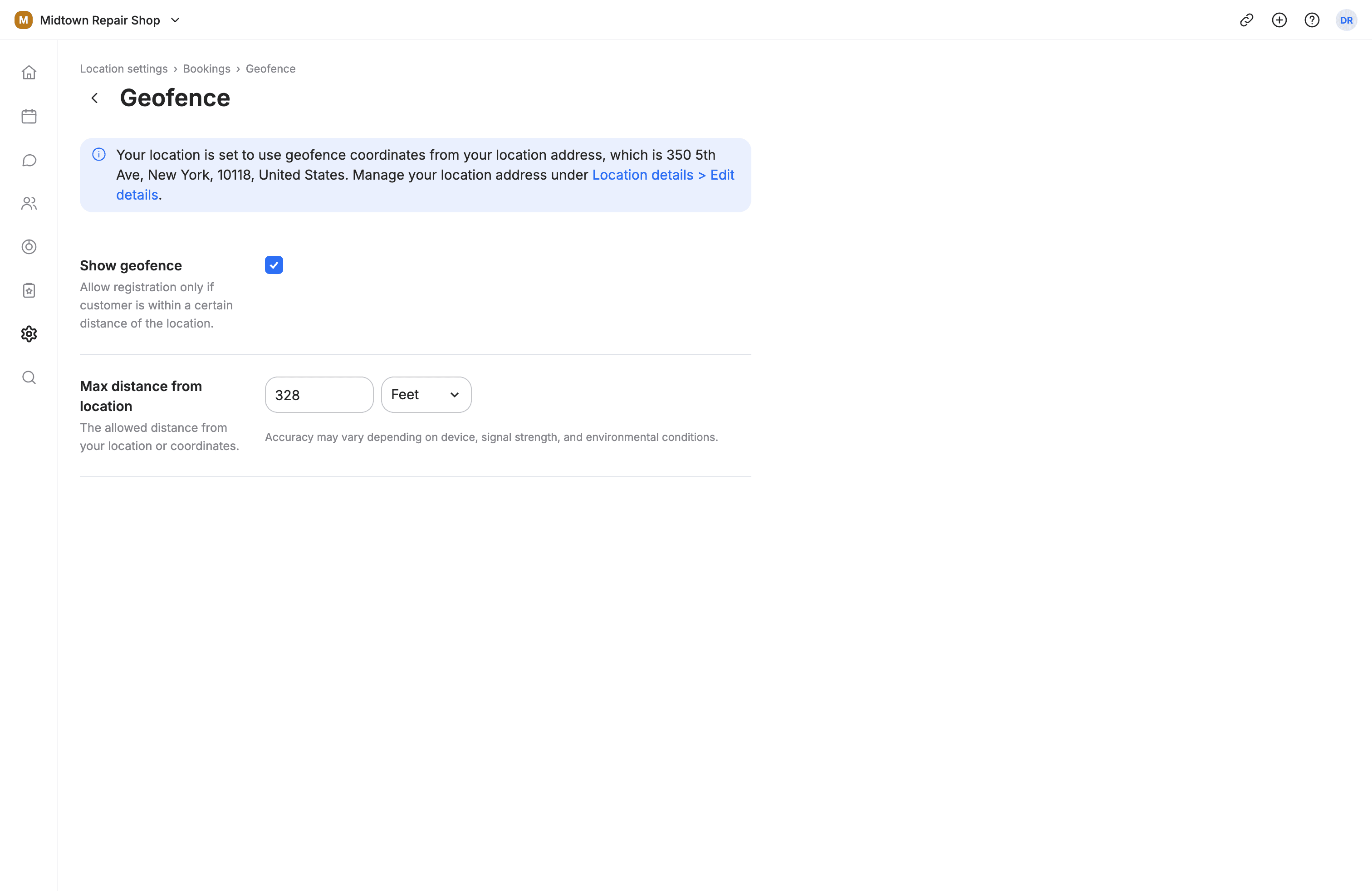
So I kept what the AI needs to know and dropped the code. A script turns the app's code into a text map of every page, field and rule. Prototypes use their own design system, and publishing is blocked if one steps outside the design tokens. A brief now becomes three directions in about six minutes.
Used for real
Adoption spread beyond design: designers, PMs and our CEO have built with it. We've run live user testing with enterprise customers on its prototypes, and our CEO and CTO presented one to Allegion, the company that acquired Waitwhile. Next, it moves into a connector in Claude chat, so designers install nothing at all.
“Måste säga Daniel: fan vad bra jobbat med detta ⭐👊”
In short
- Key decision
- Give the AI a text map of the app instead of the app itself.
- Changed course
- I tried standalone, a database emulator and several real-code setups. Real code looked right but was too heavy for designers.
- Outcome
- Used by designers, PMs and our CEO, in live customer tests, and presented to Allegion.
- Takeaway
- AI makes things up when it doesn't know the product. The fix wasn't giving it the whole app, but a written description of it.